
If you’re involved with running or contributing to a local newsletter, you probably know the importance of keeping things accurate. Mistakes can happen, even with several rounds of edits. What really matters is how quickly and transparently you address and correct those mistakes. I’ve had experience correcting newsletter errors and handling these moments well actually builds trust with readers and keeps your community informed the right way. This guide covers practical steps and best practices for fixing mistakes in local newsletters, along with tips for keeping things smooth and transparent along the way.
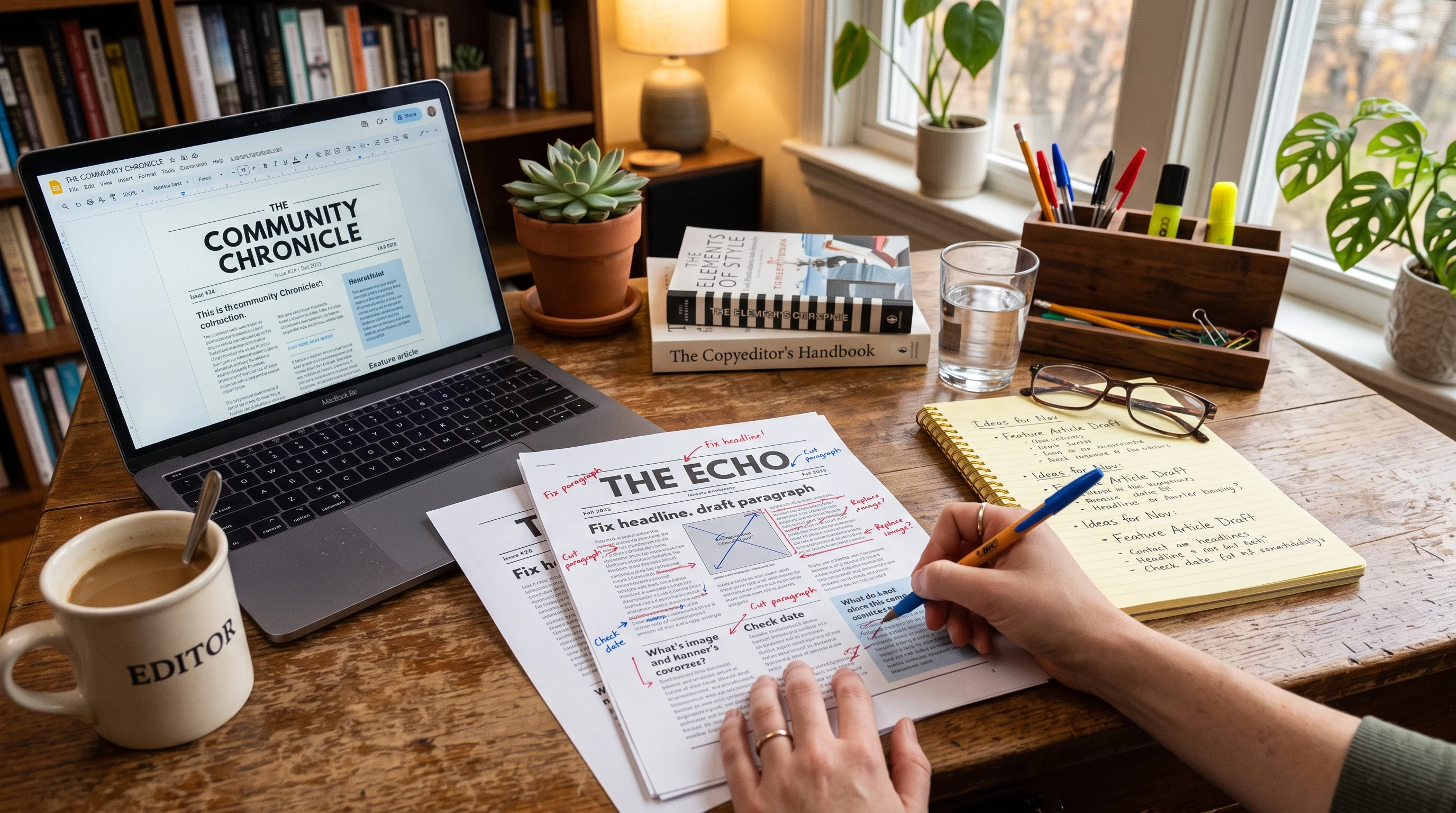
Why Newsletter Mistakes Happen and Why Addressing Them Matters
Typos, outdated facts, names spelled wrong… mistakes in newsletters are pretty common, especially with regular deadlines and lots of submissions. Even with careful editing, errors might slip through, whether you catch them right after publishing or days later. Ignoring these errors can chip away at your credibility. Readers trust that what they’re getting is reliable, so staying proactive with corrections helps reinforce that trust and keeps your community feeling respected and in the loop.
Local newsletters have a unique role because they connect neighbors and highlight nearby happenings. That’s why accuracy is super important. Whether it’s a date for a school event or details about a new town policy, getting the facts straight makes a big difference for everyone who relies on your publication for updates. Missed or wrong information can cause confusion or frustration, so keeping close attention to these details is a must for any newsletter team.
First Steps: How to Spot and Verify a Newsletter Error
Sometimes you’ll stumble upon a mistake yourself while reviewing a published issue or maybe a reader reaches out about something that doesn’t add up. Here’s what I typically do when that happens…
- Carefully Recheck the Details: Compare the questionable part against your source materials or notes to confirm it actually is a mistake.
- Talk to Others: If the article had other contributors, check in with them. They might catch something you missed or have the correct information handy.
- Stay Calm and Objective: Mistakes are normal. The main thing is to stay focused on solving the problem, not assigning blame. This helps keep the process professional and keeps everyone involved focused on the bigger picture.
Once you’re sure a correction is needed, gathering the right info for a clear correction is key. Get the correct date, spelling, quote, statistic or whatever you need so your correction is as helpful as possible. Sometimes double-checking with trusted resources, like official websites or reliable contacts in your community, can help you track down those small but significant details.
How to Make Corrections in Digital and Print Newsletters
Most local newsletters are digital these days, but some still have print editions or even a hybrid format. The correction process looks a little different for each…
Correcting Digital Newsletters
- Edit the Online or PDF Version: If your newsletter is hosted on a website or as a downloadable file, update the file as soon as possible. Include “Corrected on [date]” near the change or in a footnote for transparency.
- Send a Follow-Up Email: If your newsletter is distributed by email, it’s a good move to send out a brief, clear correction email. Start with a subject line like “Correction: Community Newsletter Issue [date].” Keep the message concise… state what changed, clarify the accurate info and offer a brief apology or clarification.
- Social Media Announcement: If you share your newsletter on Facebook, Twitter or Instagram, post a quick correction where appropriate. This helps catch readers who may have only seen the original post. Don’t forget to respond kindly if people comment or ask questions about the correction on your posts.
Correcting Print Newsletters
- Print Corrections in the Next Issue: Reserve a short section at the top, bottom or in a sidebar for issuing corrections. Make it easy to find. Readers should be able to spot the update without a hassle.
- Direct Outreach for Urgent Corrections: If the mistake is really important (like a misreported event time), make phone calls, email lists or post the correction in local gathering spots, libraries or community centers as a courtesy. It’s a little extra effort but shows your commitment to keeping your readers informed.
How to Write a Clear and Effective Newsletter Correction
Readers appreciate honesty and clarity. A well-written correction is straightforward and direct. Here’s a format I’ve found works well…
- Headline or Label: Use a simple label like “Correction,” “Update,” or “Editor’s Note.”
- Identify the Mistake: Briefly describe what was incorrect (example: “In last week’s issue, we listed the wrong date for the town meeting.”)
- Provide the Correct Information: Clearly state the accurate detail.
- Brief Apology or Thanks: Acknowledge the mistake with a simple thank you to readers for their understanding or a short apology if it’s appropriate for your newsletter’s tone. If a reader helped catch the error, thanking them by name (with their permission) can build goodwill in your community.
Here’s a quick example… Correction: The community BBQ date in the May 7 newsletter was listed incorrectly. The correct date is May 18. Sorry for any confusion!
Troubleshooting: When a Correction Is Sensitive or Controversial
Not all errors are equal. Occasionally an article touches on someone’s reputation, a business or a local event where the wrong details could stir up emotions. Here’s how I handle those situations…
- Reach Out to Affected Parties: If possible, contact those impacted by the error before publishing your correction. This opens a line of communication and gives you a chance to listen and clarify. It also allows the affected person or group to be ready for incoming questions or reactions.
- Be Specific and Neutral: Avoid laying blame in your correction… focus on just the facts. Keeping it neutral helps prevent extra drama and avoids escalating the situation. Clarity and politeness go a long way.
- Document Your Process: Jot down when you caught the error, what was changed and how you responded… this is super useful for both accountability and improving your process next time. Keeping a log may also help you spot patterns and further reduce mistakes in the future.
Sometimes, dealing with sensitive corrections may require an added step, like running the correction wording by a supervisor or experienced editor. Taking a little more care here helps keep your relationships in the community strong and your newsletter’s reputation solid.
Tips for Preventing Future Newsletter Errors
Of course, prevention is always best. I stick to these routines to cut down on mistakes…
- Proofreading Round: Always do one last readthrough, preferably hours after your first draft to spot details with “fresh eyes.”
- Double-Check Names and Dates: These trip up even veteran editors. Cross-reference with event posts or official flyers as needed. This small routine step can save a lot of headaches later.
- Checklist for Recurring Features: If you publish things like birthdays or recurring events, keep a template or checklist handy. This way, repeated information gets an automatic accuracy boost.
- Encourage Reader Feedback: Create a feedback channel (email address, webform or even a phone number in the newsletter) for readers to flag errors if they spot them. Letting your audience feel involved helps catch problems early.
- Team Review Sessions: If your newsletter has more than one editor or regular contributor, set aside fifteen minutes for a quick “final check” together. Multiple sets of eyes spot different things and help keep quality high.
Beyond these basics, you might also want to keep a record of frequent mistakes or confusing areas, so you can address patterns as they arise. Over time, your process will get smoother and your publication will become even more reliable.
Real-World Examples of Newsletter Corrections
Here are a couple of real-life situations I’ve handled, along with an extra example to show how wide-ranging these situations can be:
- Mistaken School Event Date: A school newsletter listed a parent meeting on the wrong day. After a parent pointed it out, we emailed a same-day correction, updated the online calendar and included a correction in the following printed newsletter.
- Misnamed Local Business: We once featured a new bakery but used the wrong name. In addition to correcting the digital version and issuing a correction with a thank you to the owner, we featured a minispotlight in the next issue to help make up for it. This turned a goof into a positive moment and readers appreciated the transparency.
- Incorrect Information on a Policy Update: One issue, we reported on a new town parking policy but used outdated language from a previous guideline. After a reader flagged it, we reached out to clarify the change with the town office, updated the article online and shared a simple correction in the next newsletter, with a summary of the actual policy so readers had all the right info in one place.
Frequently Asked Questions
Question: Is it necessary to correct even minor typos?
Answer: If the typo doesn’t change the meaning of the information, it’s not urgent, but fixing it still shows you care about quality. If it causes confusion or misrepresents names, places or numbers, correcting it helps prevent misunderstandings. Consistently fixing even small errors lets readers know you take pride in your publication.
Question: Should I explain how the error happened?
Answer: Most of the time, just stating the correction is enough. If readers might be confused or if it was a bigger issue (like mixups in reporting), a quick explanation offers extra clarity and shows accountability. It’s also helpful if it prevents similar errors in the future.
Question: Can I retract an article completely?
Answer: Yes, in rare cases, retracting might be better than correcting (for example, if the story was based on faulty information throughout). State clearly why the article was retracted, point readers to any correct information available and keep the tone polite and neutral. Transparency keeps trust high with your audience, even when things go wrong.
Keeping Your Newsletter Trustworthy and Reader Focused
Correcting mistakes in a local newsletter isn’t just about fixing an error on the page… it’s about building trust with your community. Clear corrections, honest communication and quick action keep your newsletter valued and respected by readers. Staying open to feedback and always aiming for clear, accurate info helps your publication grow and serve your neighbors even better. By handling corrections thoughtfully, you not only fix what’s wrong but make your newsletter a stronger resource for everyone who picks it up or reads it online. Being proactive and transparent with your edits makes all the difference in creating a community readers can rely on, week after week.
This was a good reminder that mistakes aren’t the end of the world if you own them and fix them properly. I’m still pretty new to building my own website, and one thing I always wonder is whether I should quietly fix small mistakes in older articles or add a note saying they’ve been updated. Do you normally add an update or correction note for minor changes, or only when it’s something more significant?
Thanks Richie! In regards to websites, it give you an opportunity to update a page and google likes that. When people see “updates” it shows that the owner believes in transparency. We aren’t perfect and it’s ok!