
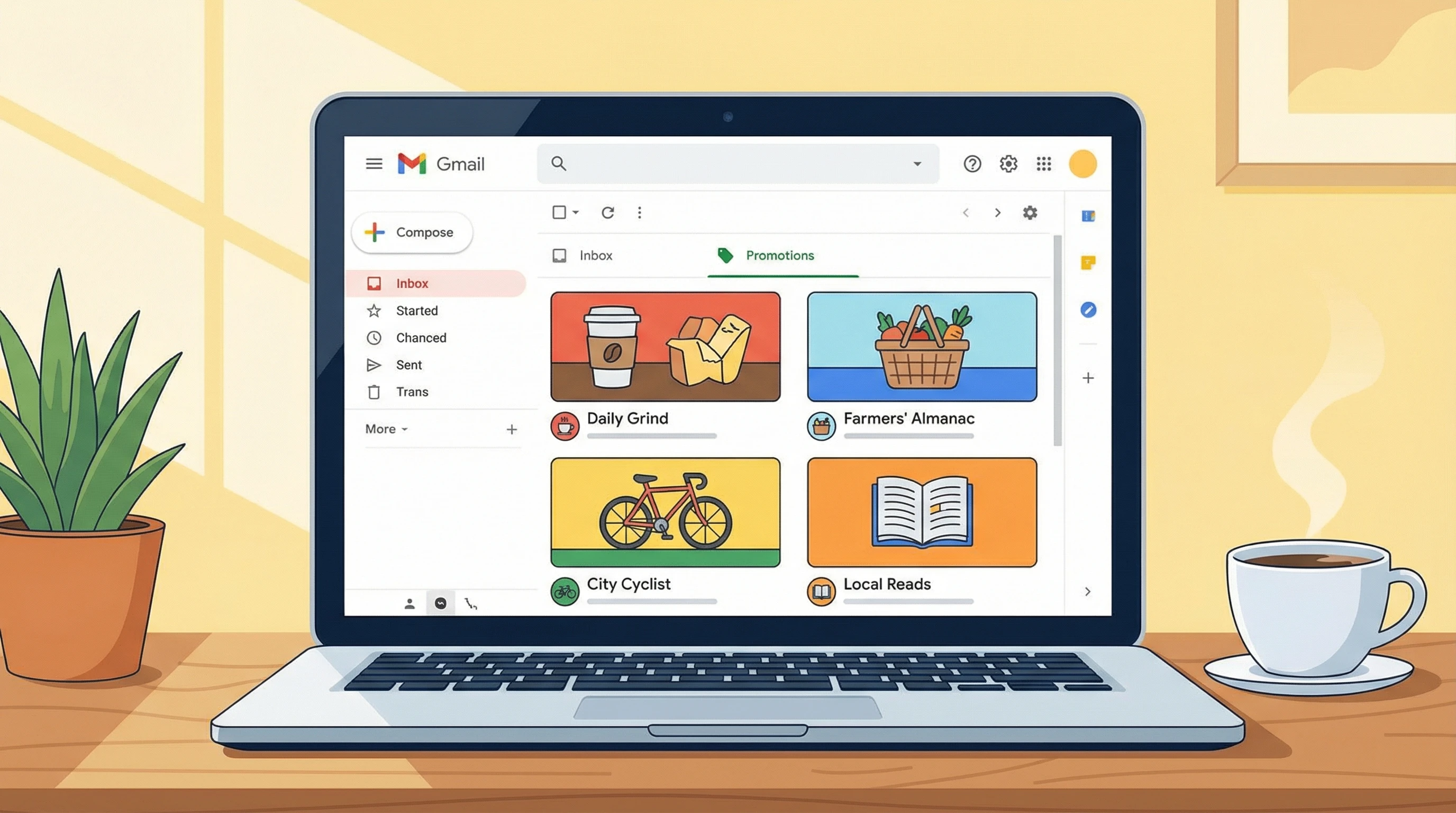
Promotions Tab & Local Newsletters: Friend or Foe?
If you’ve started a local newsletter, you’ve probably bumped into one big question: should you fight Gmail’s Promotions tab or just accept it? I get this question a lot from fellow newsletter creators. Here’s an easy guide to help you figure out the best approach for your local email updates.
How the Promotions Tab Works
What is the Promotions Tab?
The Promotions tab is a separate section in Gmail where messages with marketing, deals or content that sounds newslettery usually land. Google sorts emails there using signals like links, images, discount offers and mass sending tools you might use for your local newsletter.
Why Do Newsletters End Up There?
Tools like Mailchimp, Substack,and ConvertKit send lots of emails at once. Gmail can spot patterns and if your newsletter contains pictures, links to businesses or sales, it might decide your updates belong in Promotions.
Pros and Cons: Promotions Tab vs. Primary Inbox
Benefits of Landing in the Promotions Tab
- Your newsletter won’t compete with your reader’s personal and work emails, so users check Promotions when they’re ready for deals, events or fun updates.
- People who open the Promotions tab are often already interested in offers and local content, so your newsletter might get more genuine attention from these folks.
Drawbacks of Landing in the Promotions Tab
- Some subscribers hardly ever check the Promotions tab, which means your open rate could drop, even if your content is great.
- New subscribers who expect to see your updates in their main inbox might not realize they need to check Promotions and miss out entirely.
Should You Try to Avoid the Promotions Tab?
Fighting It: Changing Your Newsletter’s Spot
Some creators spend time adjusting email design or wording by using less promotional language or stripping out images and links, for example. You can ask subscribers to move your message to their Primary tab or whitelist your email address. Sometimes, small changes help. But in my experience, Gmail’s system is always changing and most attempts to “beat” the algorithm only work for a short time.
Embracing It: Making the Most of Promotions
If you accept that your newsletter lands in the Promotions tab, you can focus on making your subject lines and preview text stand out. Many readers expect local newsletters to show up there. Instead of constantly tweaking your email for placement, you can use that energy to improve your writing, visuals and calls to action.
Practical Tips for Local Newsletter Success
Get Readers to Find You
- Send a fast welcome email after someone subscribes; let them know to look for your newsletter in Promotions and move it if they want updates in Primary. Small reminders can go a long way.
- Offer clear instructions or even a quick video on how to drag your email to the Primary inbox. Most subscribers don’t mind an extra step if they care about your content.
Make Content Worth Checking Promotions
- Keep your subject lines specific and local, like “Weekend Events in [Your Town]” or “Deals from Your Favorite Coffee Spots.”
- Share value right up front; add a quick summary of what’s inside, so subscribers know what they’re getting if they spot your email in Promotions.
Answering Common Questions
Is It Bad if My Newsletter Goes to Promotions?
Not necessarily. Plenty of respected brands and community newsletters land there and readers who actually open the tab are already hoping to find good updates. The biggest problem is letting subscribers miss your content because they don’t know where to look.
Can I Ever Land in the Primary Tab?
You might, if your emails feel very personal and don’t look like marketing. However, if you’re sending the same email to dozens or hundreds of people at once, Promotions is likely where you’ll end up. It’s better to work with the system instead of always trying to fight it.
Any Tools to Monitor My Placement?
You can use services like GlockApps or mail-tester.com to test where your newsletter lands. These tools give you tips on tweaks, but even with adjustments, results can vary. Keeping an eye on your data is helpful, but don’t worry about every single email placement.
Getting Help and Improving Your Newsletter
Support for Local Creators
If you’re unsure where to start or want examples specific to local newsletters, plenty of email communities and forums exist online. Platforms like EmailGeeks on Slack or the r/EmailMarketing subreddit are pretty handy for tips and feedback.
Your Next Steps
Focus on building a great relationship with your subscribers. Let them know how to spot your emails, provide consistent value and stay upbeat about where your newsletter lands. At the end of the day, real involvement with your audience matters much more than stressing over Gmail tabs.
Still Have Questions? I’m Here for You
If you want to chat more about getting your local newsletter seen or you’re stuck with open rate issues, drop your questions in the comments or contact me directly. I’m always happy to help fellow newsletter writers figure this stuff out. To help you even further, here are a few extra pointers… try testing your newsletters at different send times, keep experimenting with your email subject lines and listen to your audience’s feedback. Over time, small tweaks and ongoing conversations will help you build a stronger, more reliable newsletter that stands out in any inbox.